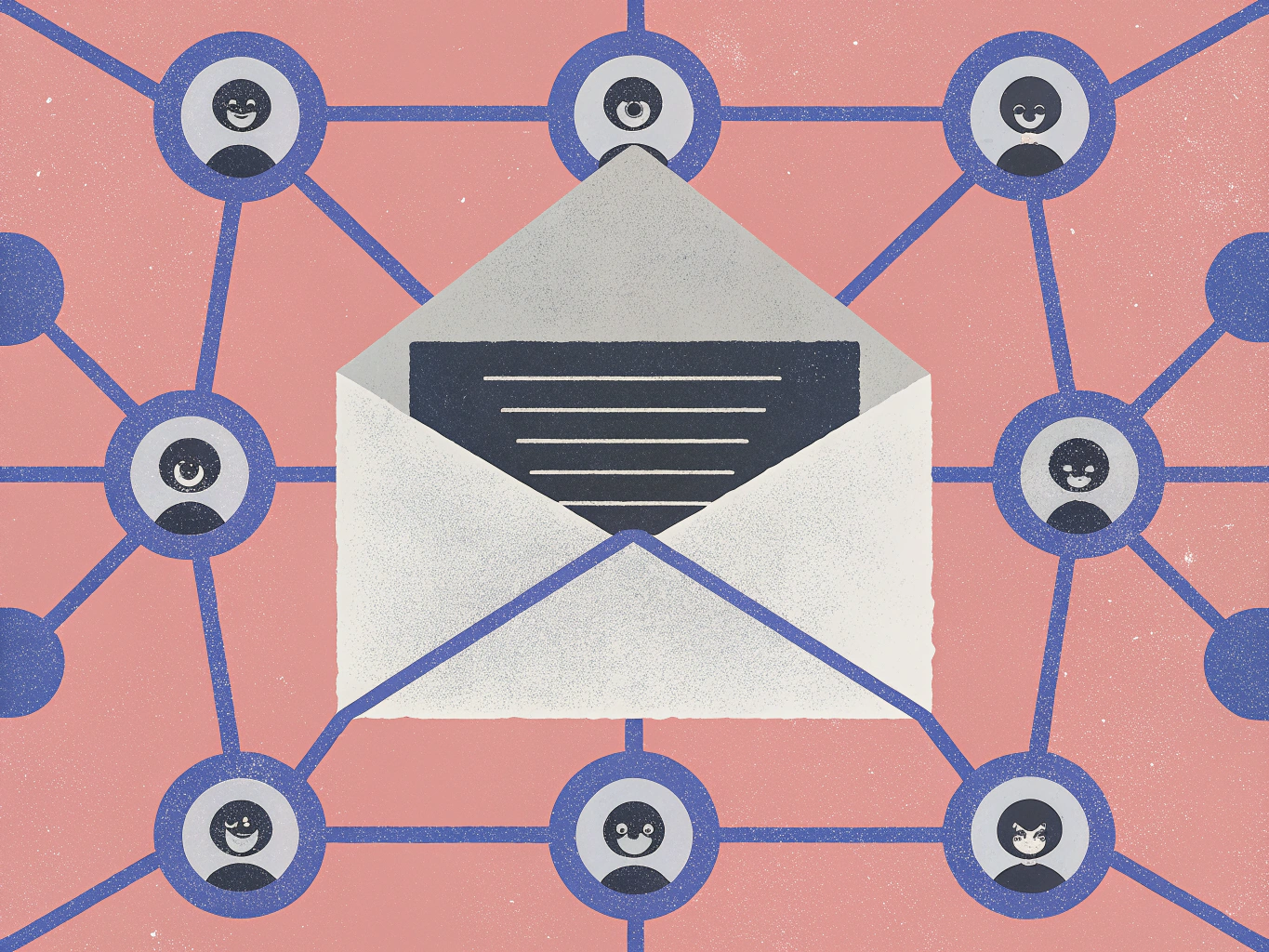
In the rapidly evolving landscape of cyber threats, a new scam has emerged targeting unsuspecting Gmail users.
This latest scheme is a stark reminder of the sophistication with which cybercriminals operate, leveraging the guise of Google’s support team to gain unauthorized access to personal Google accounts.
The scam begins with an email that appears to be sent from the official Gmail support team.
The email warns the recipient of suspicious account activity, an unauthorized access attempt, or a precautionary account suspension.
The message is designed to incite urgency and concern, prompting the user to take immediate action.
Within the email lies a link with directives such as “verify identity” or “restore access,” suggesting that a quick response is necessary to prevent service suspension.
Clicking on this link leads the victim to a meticulously crafted webpage that mirrors Google’s official sites.
The page’s design replicates Google’s logos, colors, and visual layout, creating a deceptive illusion of authenticity.
Here, the user is asked to provide their email address and password.
Unbeknownst to them, these credentials are being handed over to cybercriminals, granting them unfettered access to the victim’s Google account.
Once in control of the account, attackers can exploit it in numerous ways.
They can browse personal emails, capture passwords stored in the browser, access linked platforms like social media accounts or financial institutions, and even send emails from the compromised account to ensnare more victims.
The threat doesn’t stop there.
With access to the Google account, these cybercriminals can manipulate services like Google Drive, Calendar, Photos, and YouTube, significantly widening the potential damage.
In some instances, attackers go a step further by altering the account’s security settings.
They may change the password and remove recovery options, effectively locking the actual owner out of their account.
This not only amplifies the victim’s distress but also makes account recovery exceedingly difficult.
Cybersecurity experts advise vigilance to detect such impersonation scams.
Common warning signs include emails that create a sense of urgency or fear, such as threats of imminent account suspension.
Links in these emails often lead to websites with URLs that do not match Google’s official domains.
Additionally, the presence of spelling mistakes, grammatical errors, or language inconsistencies is a red flag.
Legitimate companies rarely ask for passwords, verification codes, or personal information via email.
Moreover, emails from suspicious addresses that do not end in “@google.com” should raise immediate concern.
Google maintains strict policies against soliciting sensitive information through emails.
The company has robust automated systems to notify users of suspicious activity and provides official channels for reporting phishing attempts. For more information on reporting such scams, refer to the report phishing attempts Gmail.
If you receive an email resembling the described scam, it is crucial to take the following steps:
Avoid clicking on any links or downloading attachments.
Do not enter any personal information on linked forms or websites.
Report the email as a phishing attempt using Gmail’s built-in option.
If you have already entered your information on a fraudulent site, change your password immediately.
Consider enabling two-factor authentication on your account for an added layer of security.
Staying vigilant against unexpected emails, consistently verifying the sender’s identity, and refraining from sharing credentials on unverified sites are essential practices for safeguarding against such frauds.
In this digital age, where our lives are increasingly intertwined with online services, the importance of cybersecurity cannot be overstated.
The Gmail impersonation scam serves as a chilling reminder of the persistent threats lurking in our inboxes.
As cybercriminals continue to refine their tactics, users must remain educated and cautious, recognizing that the best defense against these digital deceptions lies in awareness and proactive security measures, such as cybersecurity best practices.
-
Frank DiBernardo handles LNGFRM's Foodie and Miscellaneous writing tasks. He's always getting ideas from users, so don't be afraid to send an email to the editor.